
>Global Mail’s Business Hub


Tools & Software for Designers & Marketers > Ai Design Tools
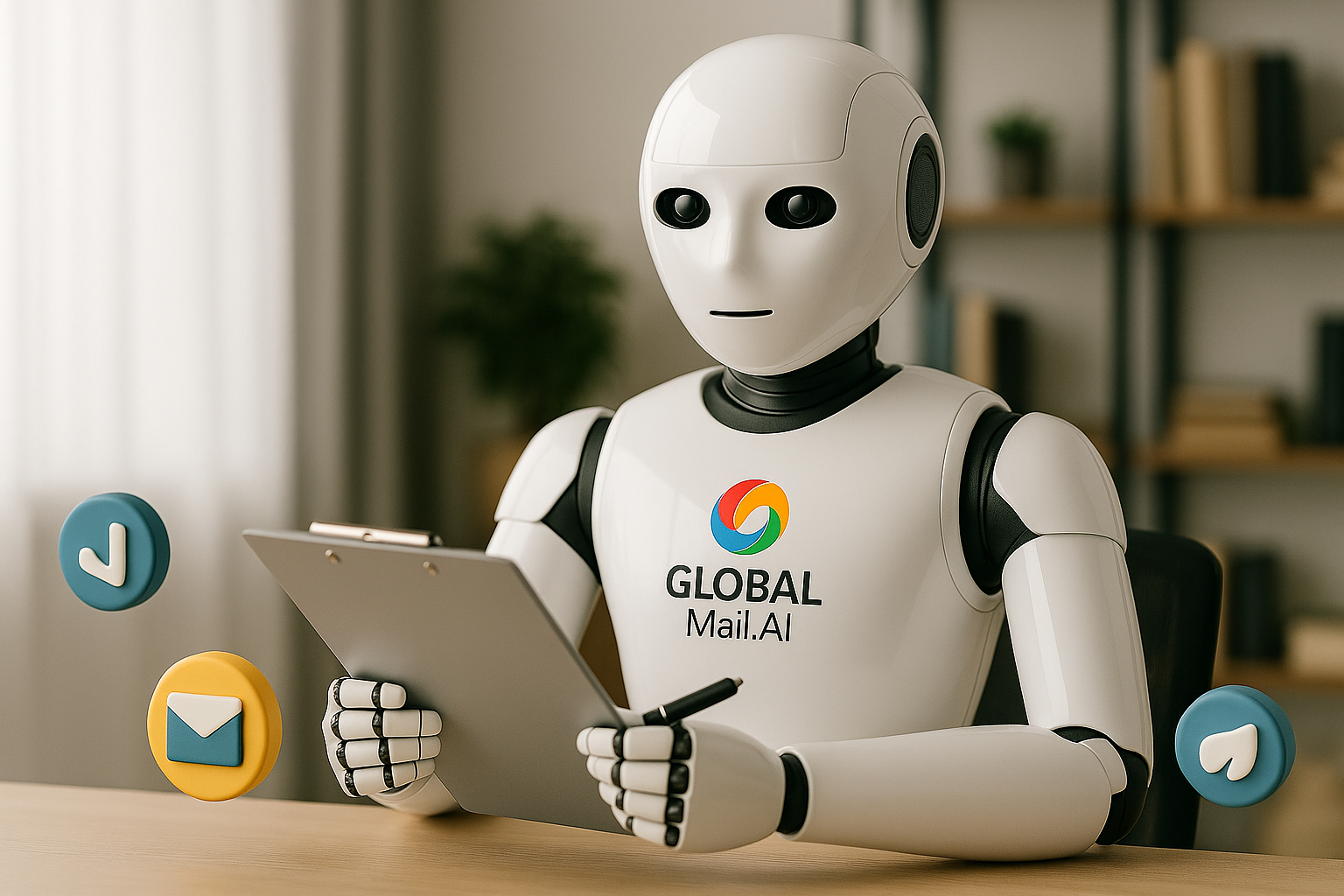
Ai Design Tools
Create Smarter, Faster, and More Beautiful Designs
Discover cutting-edge AI-powered design tools that simplify creativity, accelerate production, and bring your ideas to life — no design degree required.

The world of design has changed forever. With the help of artificial intelligence, anyone can now create stunning visuals, marketing materials, and brand assets in seconds. From automated logo creation to smart photo editing and layout generation, AI design tools are empowering businesses and creators to design better — and faster — than ever before.
Turn Ideas into Impact — Instantly
AI isn’t here to replace creativity — it’s here to amplify it. Whether you’re a business owner, marketer, or designer, AI-powered tools help you ideate, visualize, and finalize designs at lightning speed. These platforms handle the technical work so you can focus on creativity and storytelling.

Featured Workflow Tools

Speed: Generate high-quality visuals in seconds.
Intelligence: Smart algorithms understand layouts, color harmony, and visual trends.
Consistency: Keep branding cohesive across platforms.
Efficiency: Reduce cost and time compared to traditional design software.


Quick Links > Web Design & SEO >
Build professional websites with intuitive drag-and-drop tools that balance design and performance.
Turn creative ideas into visually stunning interfaces and brand assets.
Take control of visibility, ranking, and performance.
AI Content & Copywriting Tools
Create content faster with intelligent AI assistance.
Understand how users interact with your website & convert more visitors.
Find winning keywords and analyze what your competitors are ranking for.
Engage your audience with beautifully automated email campaigns.
Protect your data, test global sites, and browse safely.
Reliable hosting is the foundation of every fast, secure website.
Automate repetitive tasks and improve collaboration.
Education & Certification Tools
Explore the best online certification platforms and tools to build new skills.
Schedule, analyze, and scale your social presence.
Let AI handle creative layouts, visuals, and user experiences.
Measure, monitor, and improve your site’s speed and reliability.
Simplify your freelance or agency operations.
These AI tools are redefining digital design. Whether you need brand visuals, ad creatives, or social media graphics, these platforms simplify design without sacrificing quality.
Curated By, Our Very Own > Aisha Flora
Aisha is an Affiliate Account Manager at GlobalMail.Ai, focused on building trusted digital partnerships and reviewing top tools and software. With expertise in affiliate strategy and performance analytics, she ensures every product featured is carefully vetted for quality and value. Her experience with networks like Awin, CJ, and Impact helps our audience discover reliable, results-driven solutions.

4.8/5 — “Canva Magic Studio transforms creative workflows — combining AI intelligence with Canva’s simplicity to help anyone design like a pro.
Canva Magic Studio (4.8/5)

Canva Magic Studio is Canva’s next-generation AI-powered design suite, built to make content creation faster, smarter, and more intuitive.
It combines Canva’s easy drag-and-drop design tools with AI features like Magic Write, Magic Edit, and Magic Switch — empowering users to create professional visuals, social posts, and presentations in minutes.
What Works
Powerful AI tools for writing, editing, and instant design generation.
Magic Switch repurposes designs across formats instantly.
Seamless workflow for teams and non-designers.
Integrates with Canva Pro’s templates, stock, and brand kit.
What Could Improve
Some AI features available only in Pro plans.
Occasional inaccuracies in AI-generated text.
Heavy reliance on cloud access for full performance.
Adobe Firefly (4.7/5)
Adobe Firefly is Adobe’s innovative AI-powered design engine, built to enhance creativity through generative text-to-image, text effects, and vector creation tools.
It integrates seamlessly with Photoshop, Illustrator, and Adobe Express, allowing designers and marketers to generate visuals quickly while maintaining Adobe’s signature quality and control.
Pros:
Professional-grade AI image generation with excellent detail.
Integrated directly into Adobe Creative Cloud apps.
Customizable styles, lighting, and composition controls.
Ideal for designers, marketers, and creative professionals.
Cons:
Requires an Adobe account and subscription for full access.
Slower rendering compared to lighter AI tools.
Learning curve for non-designers.
Verdict:
4.7/5 — “Adobe Firefly blends AI innovation with professional design precision — empowering creatives to generate and refine ideas faster than ever.

Fotor (4.4/5)
Fotor is an easy-to-use AI photo editing and design platform that helps users create professional-quality images, graphics, and social media visuals with minimal effort.
Combining photo enhancement tools, AI background removal, and template-based design, it’s ideal for marketers, small businesses, and content creators who need quick, polished results.
What Works
Intuitive interface and fast editing workflow.
Strong AI tools for background removal and retouching.
Thousands of templates for social, print, and ads.
Affordable plans and accessible browser-based platform.
What Could Improve
Limited customization compared to Canva or Adobe tools.
Occasional lag on large image files.
Some advanced AI tools locked behind premium plans.
4.4/5 — “Fotor makes professional photo editing and design simple — a solid choice for creators who value speed and ease over complexity.

Designs.ai (4.5/5)
Designs.ai is an all-in-one AI-powered creative suite that simplifies design, branding, and content creation for marketers and businesses.
It combines logo design, video editing, social media graphics, and voiceover tools — all driven by AI — making it a practical choice for teams that want quick, professional-quality results without advanced design skills.
Pros:
User-friendly interface with multiple project views (List, Board, Timeline).
Excellent for collaboration and task delegation.
Powerful automation and workflow templates.
Integrates seamlessly with tools like Slack, Google Drive, and Zoom.
Cons:
Premium features locked behind higher-tier plans.
Can feel overwhelming for very small teams.
Reporting tools could be more advanced.
Verdict:
4.6/5 — “Asana is a reliable, scalable project management solution that brings clarity and structure to team collaboration.

Looka (2.5/5)
Looka is an AI-powered logo and branding platform that aims to simplify brand creation for small businesses.
While it’s quick and user-friendly, the output often lacks originality and customization — making it better suited for temporary or entry-level branding projects rather than long-term business identity.
Pros:
Easy-to-use interface for quick logo creation.
Instant brand kits with fonts, colors, and mockups.
Affordable for basic, one-time branding needs.
Cons:
Designs can feel repetitive and generic.
Limited editing flexibility and brand consistency.
Additional costs for full brand kits and file access.
Verdict:
2.5/5 — “Looka is simple but lacks creative depth — an entry-level solution for those needing fast, low-cost branding without much customization
| Tool | Best For | AI Features | Brand / Assets | Pricing |
|---|---|---|---|---|
|
C
Canva Magic Studio
View overview →
|
Best Overall All-in-one content & marketing design | Magic Write, Magic Edit, AI resize | ✅ Brand Kit, Templates | Free / Pro from $12.99 |
Canva Magic Studio – why we recommend itPerfect for teams, marketers, and non-designers. Generate social posts, ads, presentation slides, and branded templates in seconds. Magic tools speed up workflow, while the Brand Kit keeps every design aligned.
Use it for: social media designs, quick campaign visuals, brand resource kits. |
||||
|
A
Adobe Firefly
Go to Adobe Firefly →
|
Professional & Creative teams | Text-to-image, Generative fill | ✅ Adobe libraries | From $19.99 |
Adobe Firefly – for pro-grade visualsIdeal when you already work in Photoshop or Illustrator. Generate assets, textures, or background replacements, then finish them in Creative Cloud. Best for: agencies, design studios, brand teams. |
||||
|
F
Fotor AI
Open Fotor section →
|
Photo & ecommerce visuals | AI enhance, background remove | ⚙️ Limited | Free / Pro from $9.99 |
Fotor AI – fast edits, no designer neededGreat for online shops, marketplaces, and creators who need clean product images or thumbnails. One-click backgrounds, AI portraits, and batch editing. Use for: product cards, profile images, marketing visuals. |
||||
|
D
Designs.ai
See brand builder →
|
Brand & video kits | Logo + video AI | ✅ Brand generator | From $29/mo |
Designs.ai – instant brand creationIdeal for startups and small businesses that need everything at once: logos, social templates, and even short marketing videos. Link: Visit Designs.ai |
||||
|
L
Looka
Go to logo section →
|
Logos & brand packs | Logo AI generator | ✅ Brand kit export | From $20 one-time |
Looka – logo-first AI designPerfect for entrepreneurs, personal brands, or small projects that need an affordable logo fast — plus matching social assets. Get started: Create your logo |
||||
The ideal AI design tool depends on your goals — whether you’re launching a brand, producing visual content, or managing design workflows at scale.
For Creators: Fotor AI — fast photo editing and retouching.

For Startups: Designs.ai — quick brand and logo creation.
For All-Round Use: Canva Magic Studio — perfect for marketing, branding, and social.
For Pros: Adobe Firefly — unmatched creative power with professional tools.

Everything you need. All in one inbox.
Join thousands already upgrading their email experience.

In a year defined by optimism and existential pressure, these five mindsets separate leaders who ride the volatility from those who get rolled by it. If you apply them with discipline—courage anchored in trust, AI tied to value, data as a living fabric, ROI-first portfolios, and blended talent—you’ll create an organization that moves faster and compounds advantage. IBM+1